First Portfolio Investment Tracker
An investment tracker for a first portfolio: holdings, cost basis, gain and allocation against your target, with 3 charts. XLSX with a blank copy.
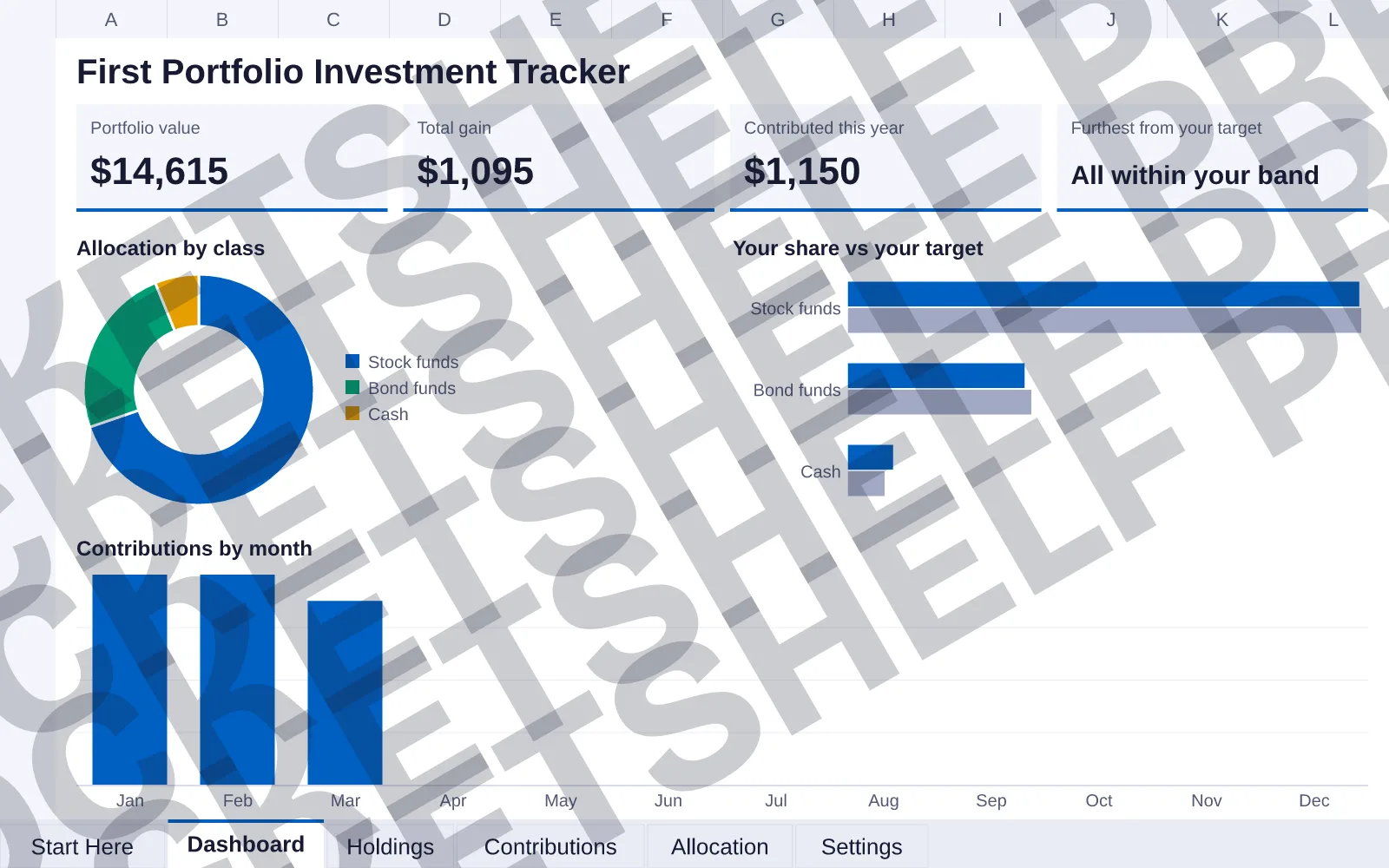


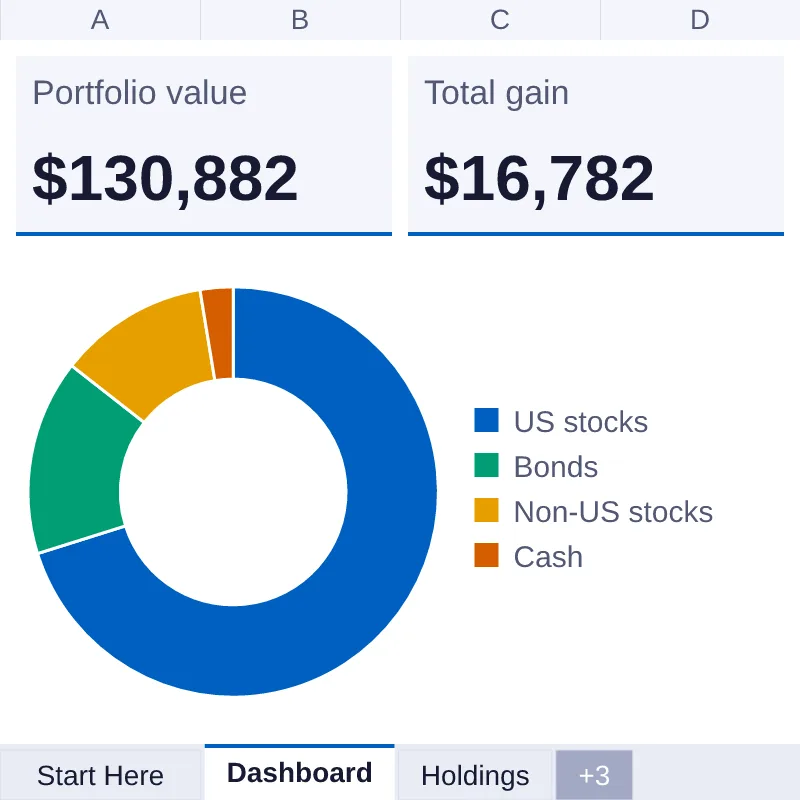
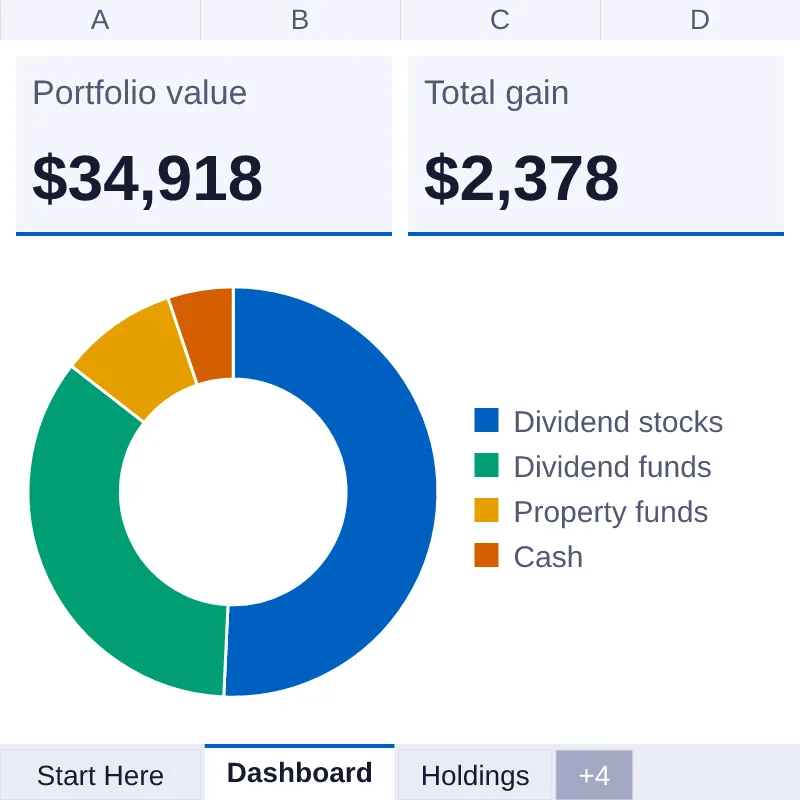
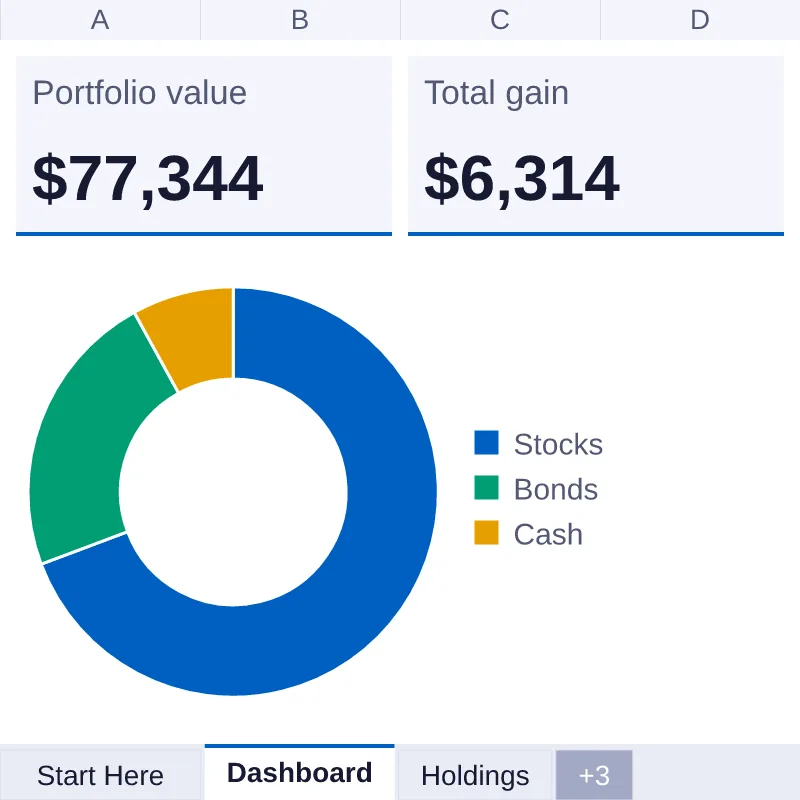
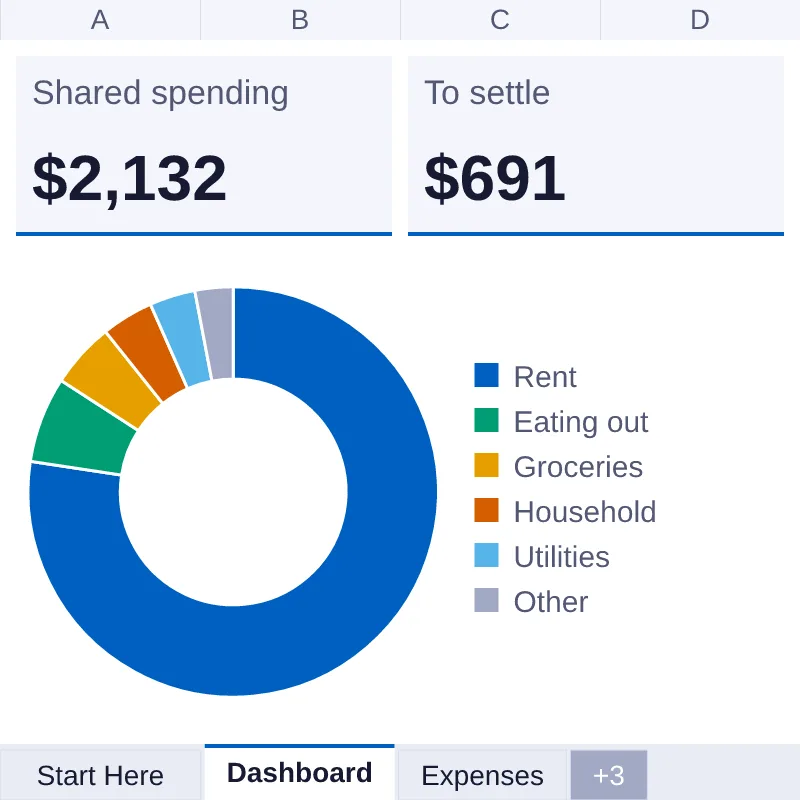
DashboardPreviews of the Dashboard, Holdings, Allocation and Contributions tabs with sample data, drawn from the file. Fonts and chart styling can differ in Excel, Numbers and Google Sheets.
View full size (opens image)What's inside
- Format
- XLSX, CSV
- Contents
- 6 tabs · 3 charts
- Version
- 1.1 · Updated 7 Oct 2026
- Licence
- Personal What this means
- Checked
- Checked before it ships
- first-portfolio-investment-tracker.xlsxXLSX · 55 KB
- first-portfolio-investment-tracker-blank.xlsxXLSX · 54 KB
- first-portfolio-investment-tracker.csvCSV · 571 B
- LICENSE.txtadded to every download
About this item
An investment tracker for a first portfolio. It has 6 tabs: Start Here, Dashboard, Holdings, Contributions, Allocation, Settings. Type each holding with its units, what you paid and today's price; nothing updates prices by itself, so you type the price and its date. The Dashboard with 3 charts shows your portfolio value ($14,615 in the sample data), your total gain, what you contributed this year and which asset class is furthest from the target you set. Allocation compares your share in each class with your own target and says Above your target, Below your target or Within your band. Type the monthly contribution you plan in Settings to see it next to what you have put in. It tracks your numbers; it is not financial advice. You get two files: one with sample data so you can see it working, and a blank copy with the same formulas. Nothing is password-locked. Made for Excel (XLSX).
- Portfolio
- Tracker
- Investments
- Spreadsheet
- Allocation
- First portfolio
- Personal finance
Reviews
No reviews yet.