Renovation Spending Tracker
A spending tracker for a renovation: a Dashboard with 3 charts, a Transactions log and a category heat map. XLSX with a blank copy.
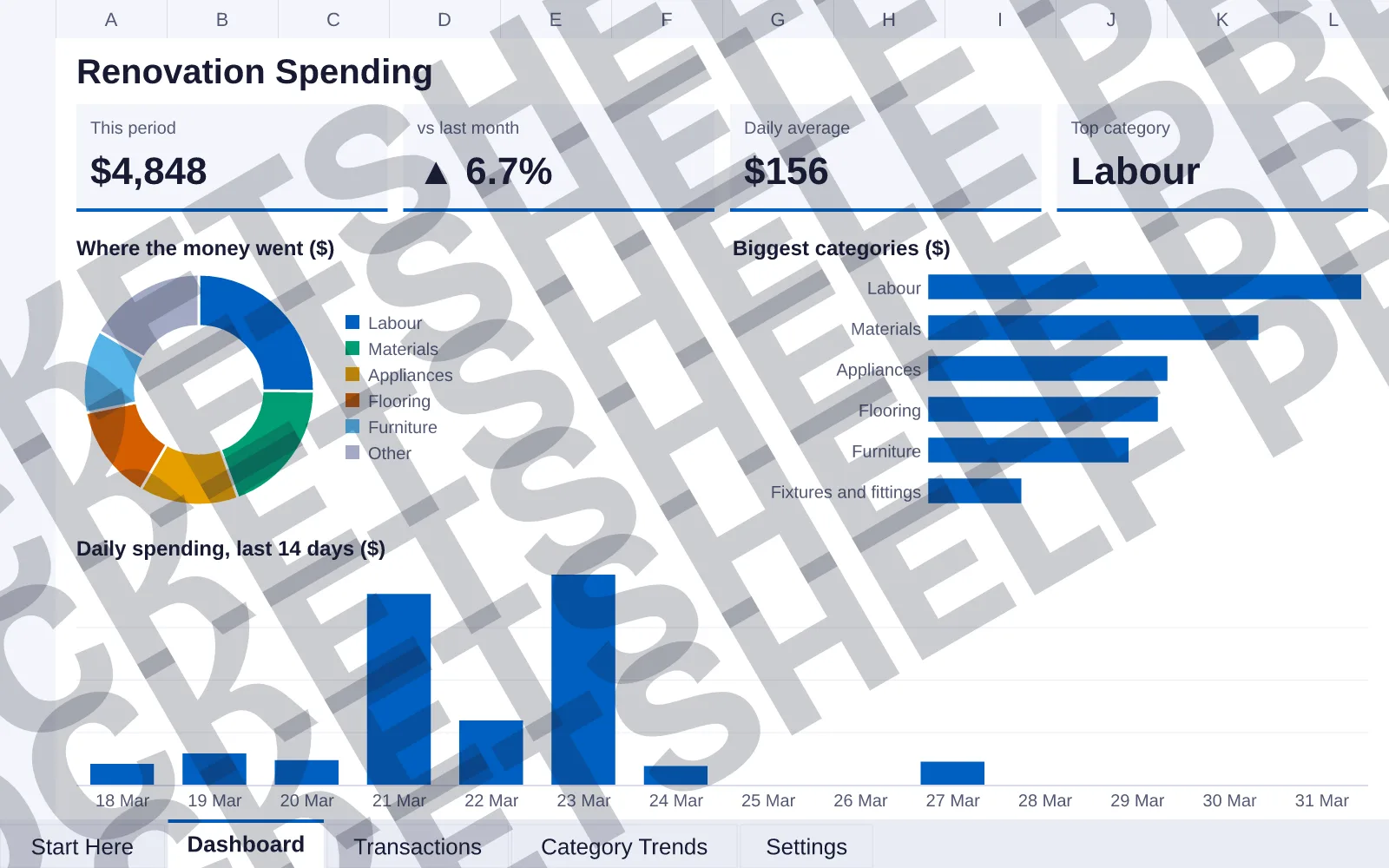


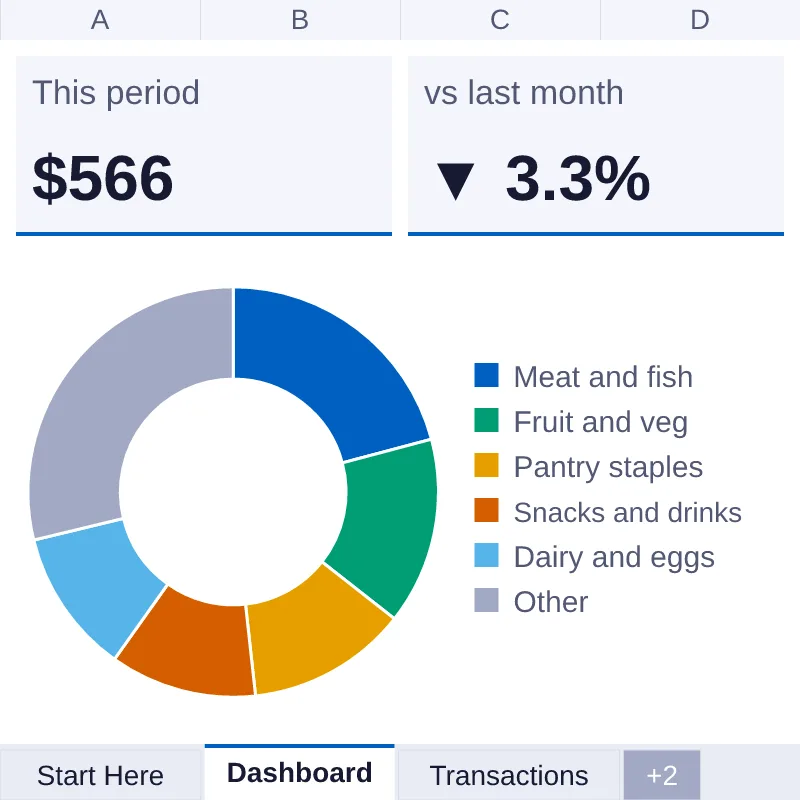
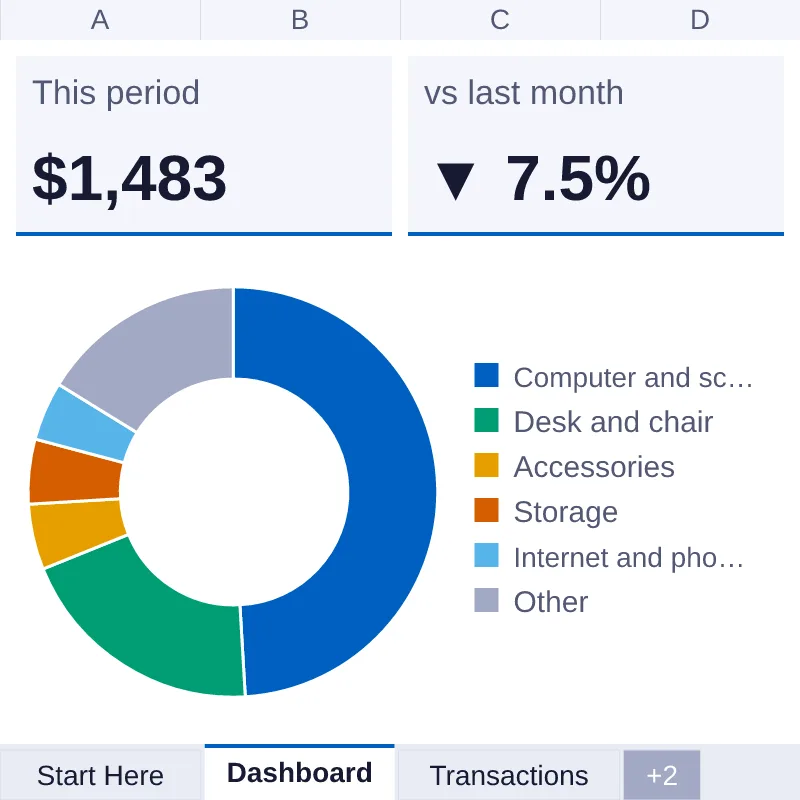
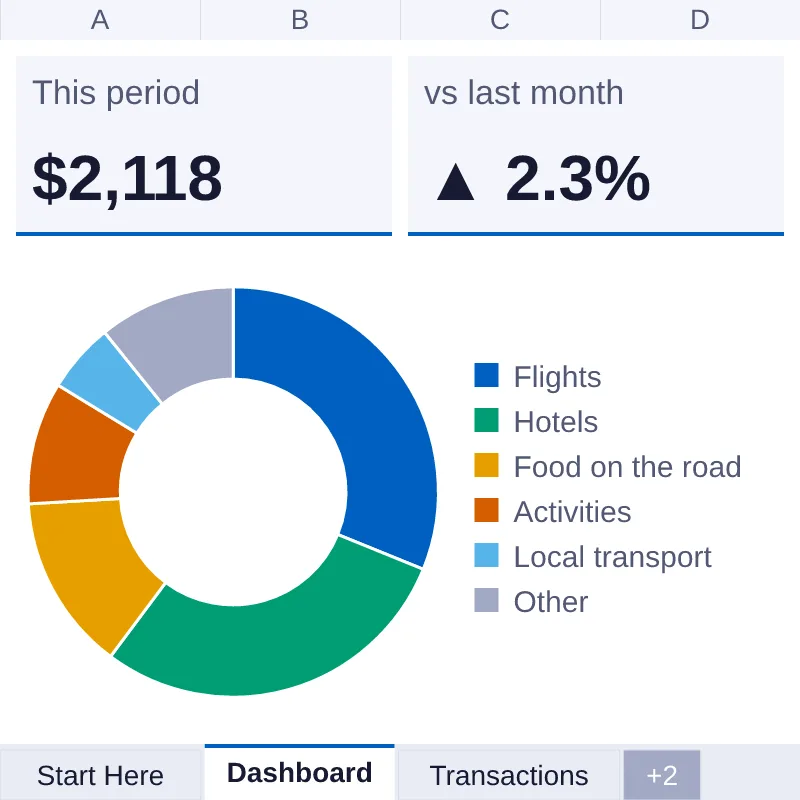
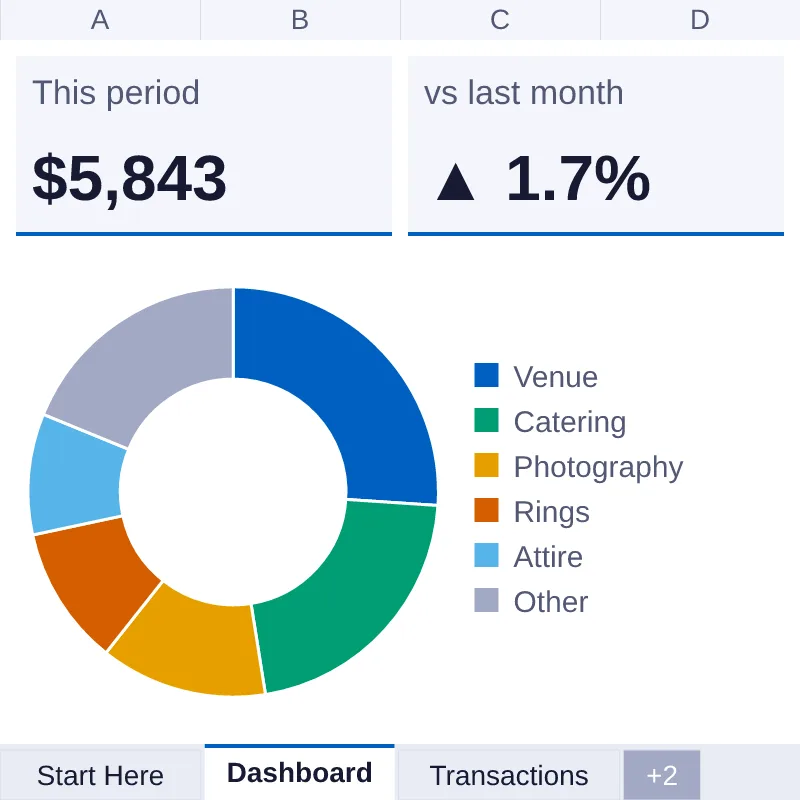
DashboardPreviews of the Dashboard, Transactions, Settings and Category Trends tabs with sample data, drawn from the file. Fonts and chart styling can differ in Excel, Numbers and Google Sheets.
View full size (opens image)What's inside
- Format
- XLSX, CSV
- Contents
- 5 tabs · 3 charts
- Version
- 1.1 · Updated 7 Oct 2026
- Licence
- Personal What this means
- Checked
- Checked before it ships
- renovation-spending-tracker.xlsxXLSX · 48 KB
- renovation-spending-tracker-blank.xlsxXLSX · 45 KB
- renovation-spending-tracker.csvCSV · 5 KB
- LICENSE.txtadded to every download
About this item
A spending tracker for a renovation. It has 5 tabs: Start Here, Dashboard, Transactions, Category Trends, Settings. The Dashboard with 3 charts shows what you spent in the month you pick ($4,848 in the sample data), the change on the month before, your daily average and your top category, plus a doughnut of where the money went and the last 14 days of spending. Type one row per purchase on Transactions. Category Trends turns the whole year into a heat map, so the big spends stand out. Settings holds your currency, start month and categories, and every dropdown follows them. You get two files: one with sample data so you can see it working, and a blank copy with the same formulas. Nothing is password-locked. Made for Excel (XLSX).
Reviews
No reviews yet.